VoxStar Labs

FREE COURSE · VOXSTAR AI 101

Understand AI.
Ask better questions.
Create with confidence.

Big ideas, short lessons. Discover how artificial intelligence works, explore what you can make, and learn when to question its answers.

12chapters
60free lessons
6.0 hoursof video
UnderstandAskCreateCheck
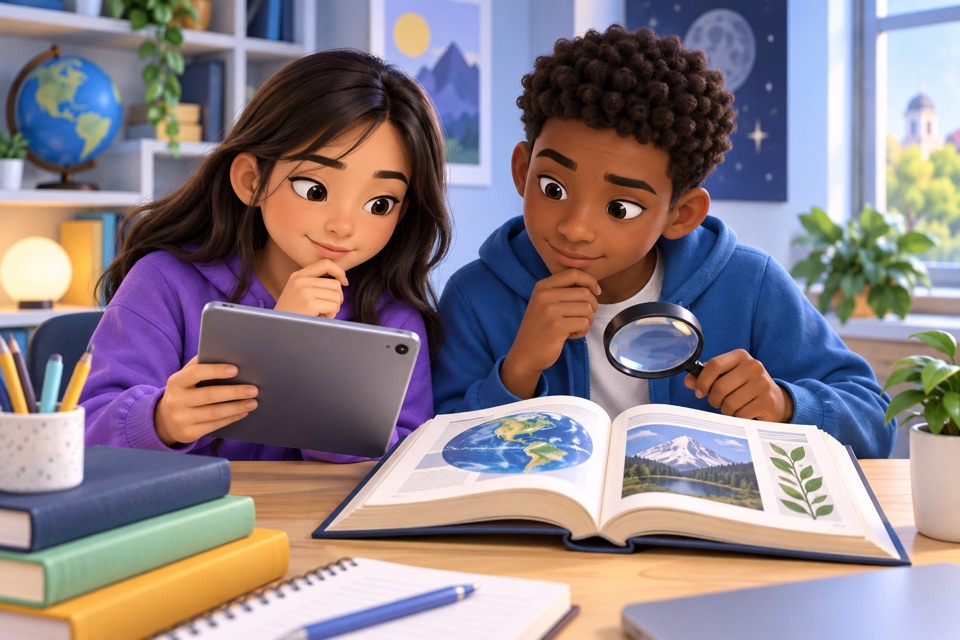
Three students exploring books, questions, and ideas with a friendly AI robot

You bring the curiosity. Keep your judgment.

MORE THAN KNOWING WHICH BUTTON TO CLICK

Five skills for an AI world.

Understand the tools. Build useful habits. Stay in charge of your thinking.

Understand

See how AI learns and creates.

Ask

Give clear, useful instructions.

Create

Turn your ideas into something.

Check

Question answers and verify claims.

Use responsibly

Protect privacy and use judgment.

YOUR CURIOSITY IS A GOOD START

Where do you want to begin?

Follow the course in order, or start with the question on your mind.

THE LEARNING JOURNEY

From “What is AI?” to “Let’s try it.”

12 chapters and 60 lessons available now. Pick a stage and explore at your pace.

THE COURSE KEEPS GROWING

Upcoming chapters

Explore what’s next, from practice and feedback to building your own projects. These chapters will become available as their videos are published.

13 upcoming chapters · 65 planned lessons

Learn and improveCHAPTERS 13–13
CHAPTER 13COMING SOON

AI for School Projects

5 planned lessons

View lesson outline
  1. Brainstorm Better School Project Ideas
  2. Organize Research Questions
  3. Make a School Project Plan with AI
  4. Improve Your School Presentation with AI
  5. Final Boss: Plan a Great School Project
Think like a builderCHAPTERS 14–16
CHAPTER 14COMING SOON

The Builder Mindset

5 planned lessons

View lesson outline
  1. Don’t Just Use AI — Build with AI
  2. Start with a Problem, Not a Tool
  3. Who Are You Helping?
  4. Build a First Version Fast
  5. Find a Problem Worth Solving
CHAPTER 15COMING SOON

The AI Creation Loop

5 planned lessons

View lesson outline
  1. The AI Creation Loop
  2. Why First AI Versions Are Usually Not Good
  3. How to Give AI Better Feedback
  4. How to Keep Improving with AI
  5. Improve One Idea Three Times
CHAPTER 16COMING SOON

What Can You Build with AI?

5 planned lessons

View lesson outline
  1. Create Learning Content with AI
  2. Create Apps and Tools with AI
  3. Create Games with AI
  4. Create Videos, Stories & Media with AI
  5. Final Boss: Pick One Thing to Build
Build your own projectsCHAPTERS 17–21
CHAPTER 17COMING SOON

Project 1 — Build an AI Study Coach

5 planned lessons

View lesson outline
  1. Choose a Subject
  2. Create a Study Plan
  3. Generate Practice Questions
  4. Ask AI for Feedback
  5. Final Boss: Demo My AI Study Coach
CHAPTER 18COMING SOON

Project 2 — Build a Mini Course

5 planned lessons

View lesson outline
  1. Choose a Topic
  2. Design 5 Micro-Lessons
  3. Write One Lesson Script
  4. Create a Quiz
  5. Final Boss: Demo My Mini Course
CHAPTER 19COMING SOON

Project 3: Build a Game Idea

5 planned lessons

View lesson outline
  1. Choose the Player
  2. Create the Game World
  3. Design the Rules
  4. Create Level 1
  5. Final Boss: Pitch My Game
CHAPTER 20COMING SOON

Project 4: Build a Video Story

5 planned lessons

View lesson outline
  1. Choose a Hook
  2. Write the Story
  3. Plan the Scenes
  4. Create the Media Assets
  5. Final Boss: Show My AI Video Plan
CHAPTER 21COMING SOON

Project 5: Build Something That Helps Someone

5 planned lessons

View lesson outline
  1. Choose a Real Person or Group
  2. Find Their Problem
  3. Build a First Version
  4. Get Feedback
  5. Final Boss: Present My Helpful AI Project
Use AI thoughtfullyCHAPTERS 22–25
CHAPTER 22COMING SOON

Safety and Privacy

5 planned lessons

View lesson outline
  1. What Not to Share with AI
  2. Public vs Private Information
  3. Deepfakes and Fake Media
  4. How to Check Before You Trust
  5. Safe or Risky?
CHAPTER 23COMING SOON

Honesty, Bias, and Responsibility

5 planned lessons

View lesson outline
  1. Help vs Cheating
  2. When to Give Credit
  3. What Is Bias?
  4. Who Is Responsible When AI Goes Wrong?
  5. Fair or Not Fair?
CHAPTER 24COMING SOON

AI and Future Skills

5 planned lessons

View lesson outline
  1. Will AI Replace People or Empower People?
  2. Skills Humans Still Need
  3. Why Creativity Matters More Now
  4. Why Asking Good Questions Matters
  5. Future-Proof Skills
CHAPTER 25COMING SOON

Big AI Questions

5 planned lessons

View lesson outline
  1. Can AI Be Creative?
  2. Can AI Be Conscious?
  3. Should AI Make Decisions for People?
  4. How Should Humans Guide AI?
  5. Stay Curious, Stay Human

SMALL CHANGES. CLEARER INSTRUCTIONS.

Give this prompt a makeover.

“Help me study” leaves a lot to guess. Add details to show an AI tool what useful help looks like.

A prepared example to explore before trying your own.

Explore the prompting lessons →
THE STARTING PROMPT

“Help me study.”

Add a little direction
YOUR MORE SPECIFIC PROMPT

Help me practice fractions. I’m in grade 5. Ask me 3 questions, one at a time. Give a hint before showing each answer.

Clearer instructions can make the response more useful. You still need to check it.

A LOOK AT WHAT’S AHEAD

What will you make with AI?

These project chapters are planned for later in the course. Build your foundations with the lessons available now.

Module 17 · Coming later

AI study coach

Plan practice and ask for hints that help you learn.

Module 18 · Coming later

Your own mini course

Turn something you know into lessons and a quiz.

Module 19 · Coming later

An original game idea

Design the goal, rules, and first level.

Module 20 · Coming later

A video story

Develop a story, scenes, and a simple video plan.

Module 21 · Coming later

Something that helps

Build around a real person and a real need.

MAKE EACH LESSON YOURS

Watch. Try. Check. Explain.

A small practice loop turns a new idea into something you understand.

  1. 01

    Watch one lesson

    Focus on one idea, and pause when you need to.

  2. 02

    Try it yourself

    Use a safe example or the chapter’s practice prompt.

  3. 03

    Check what happens

    Question the answer. Look for mistakes and missing details.

  4. 04

    Explain it back

    Describe what you learned in your own words.

CURIOUS MINDS. THOUGHTFUL CHOICES.

Keep your judgment in the loop.

Good AI habits belong in every lesson.
Check the answer

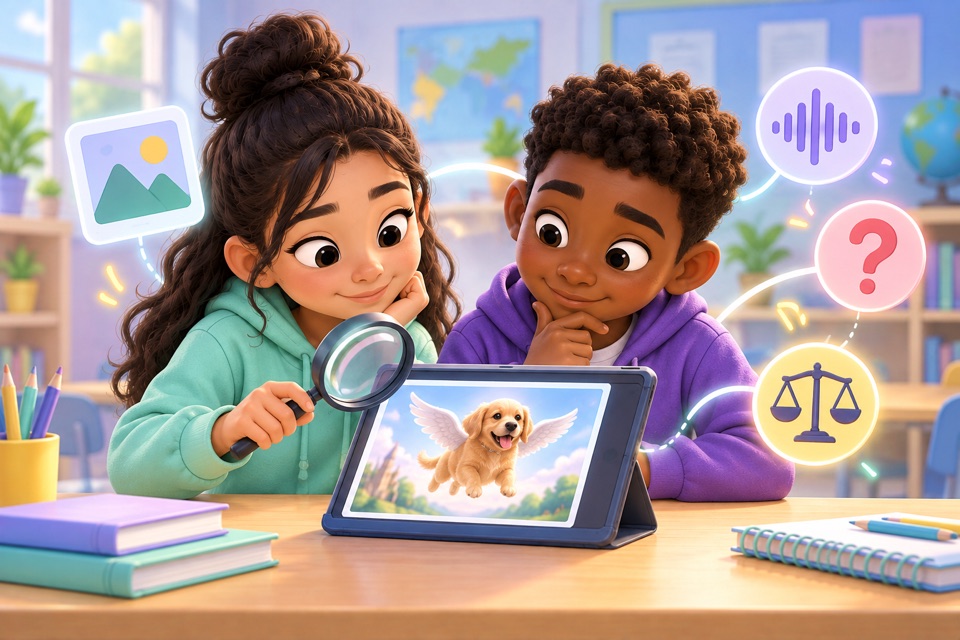
AI can sound confident and still be wrong. Compare important claims with reliable sources.

Learn to check AI →

Keep private things private

Leave names, addresses, passwords, and other personal details out of prompts.

Explore AI safety →
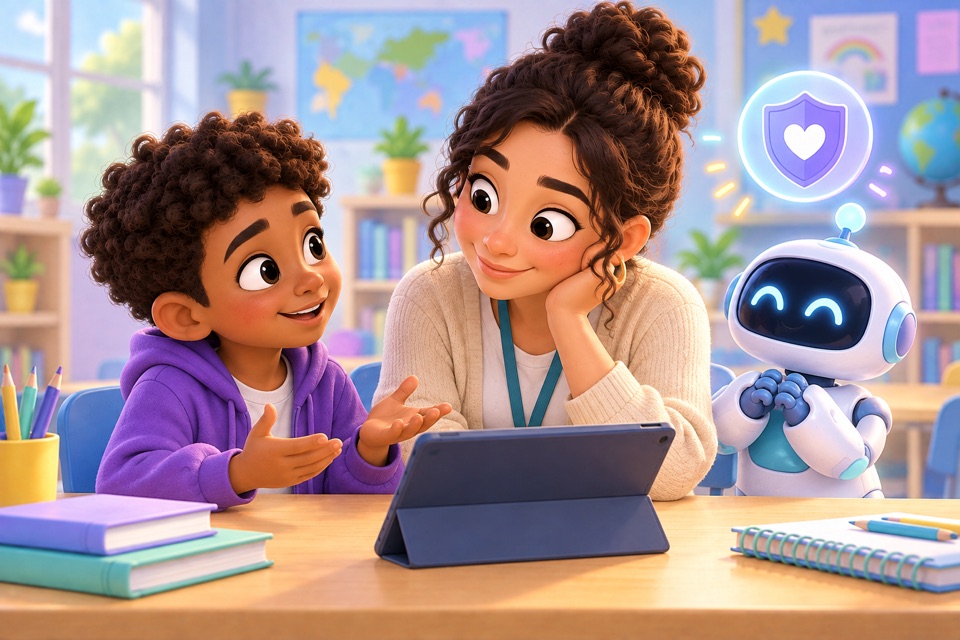
Keep people in the loop

Use age-appropriate tools with a trusted adult. Your decisions and your work stay yours.

Use AI for learning →

FOR LEARNERS AND FAMILIES

A few questions before you start.

Who is AI 101 for?

Kids, teens, families, and beginners who want a clear introduction to artificial intelligence. Start at the beginning or choose a topic that interests you.

Do I need coding experience or a paid AI account?

No coding experience or paid account is required to watch the lessons. Many practice activities can be done on paper or by explaining an idea. If you try an AI tool, follow its age requirements and involve a trusted adult when appropriate.

How much of the course is available?

12 chapters and 60 lessons are available now. More chapters, including the project previews above, will be added as their videos are published.

Is the course free?

Yes. Watch the free video lessons here or on the VoxStar YouTube playlist. Learn at your own pace.

YOUR NEXT GOOD QUESTION STARTS HERE

Stay curious.
Make something yours.

Start with one short lesson. Bring your own questions.
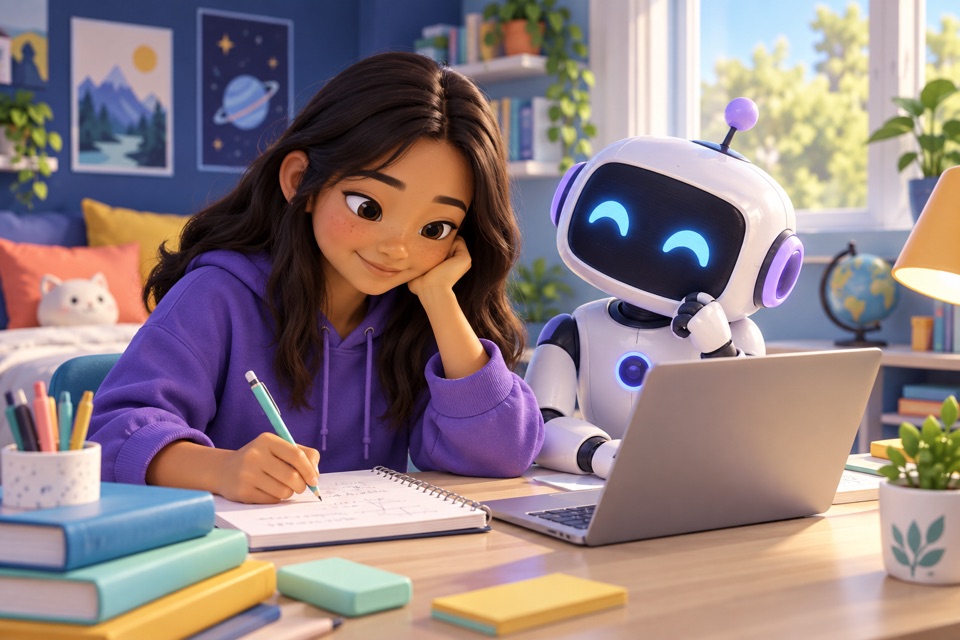
A student thinking and writing beside an AI helper