
Identifying details
Full name, phone number, student ID, or other details that identify you.
AI can be a powerful tool for learning and creativity. This guide helps kids understand how to use AI safely, think critically about what it says, and make good choices.
Keep these five ideas in mind whenever you use an AI tool.
Many learning tasks can be completed without identifying or confidential information.
Full name, phone number, student ID, or other details that identify you.
Home or school address, daily schedule, or real-time location.
Personal conversations, medical information, family problems, or confidential school records.
Someone else’s photo, voice, writing, or identifying information without permission.
Files that include names, contact details, account information, or school records.
Treat passwords, authentication codes, payment information, and account recovery details as private. Do not upload someone else’s material without permission.
A polished answer or realistic image can still be misleading. Take a moment to think.
Children may encounter AI in chatbots, search tools, games, social platforms, classroom software, image and video tools, and voice-enabled devices. Safety depends on understanding what information is shared, how an output might affect another person, and what to do when a result is wrong or disturbing. Rules should fit the child, the specific tool, and the setting.
AI-generated text, images, audio, and recommendations can be wrong, incomplete, biased, or misleading. Review them before trusting or sharing them. Do not use AI to impersonate, embarrass, harass, expose, or manipulate another person, and ask before using someone’s image, voice, or personal story.
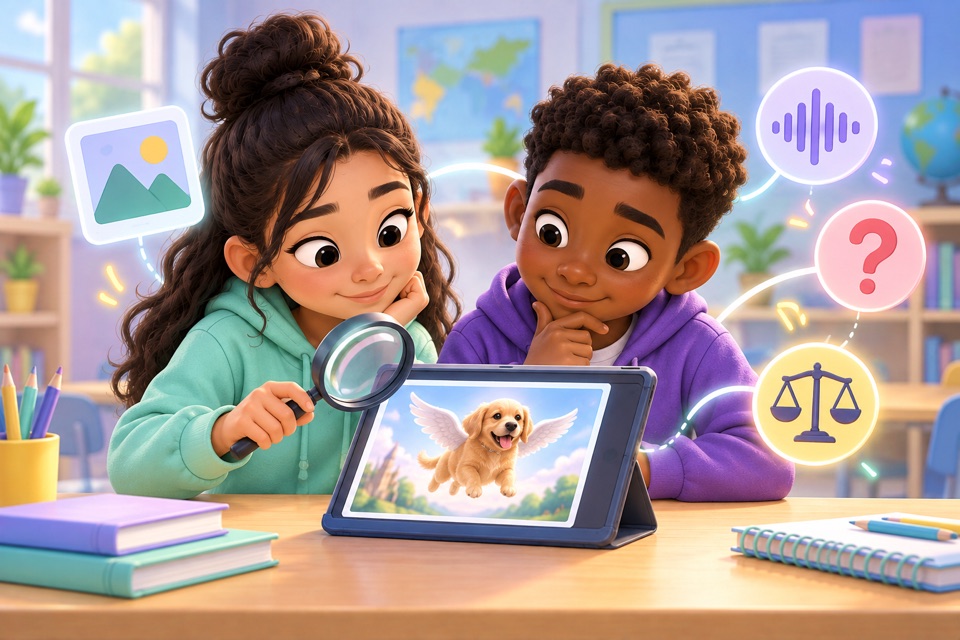
AI can reflect unfair patterns or make assumptions about someone’s ability, background, language, interests, appearance, or behavior.
AI can create realistic images, video, or audio that make a person seem to say or do something that never happened.
Do not create or share realistic fake media to deceive, embarrass, threaten, or damage someone’s reputation. A joke or label does not remove possible harm if viewers believe it is real. If media involves harassment, threats, sexual content, or a person who may be at risk, do not pass it along; tell a trusted adult.
AI assistance does not remove the need to respect other people’s work or follow assignment rules.
Check the teacher’s instructions about AI assistance, attribution, and independent work for each assignment or project.
Keep track of meaningful AI help and disclose it when your teacher or project requires it. Do not present generated work as your own if the rules prohibit that.
Creating, transforming, copying, and imitating can raise different questions. Ask before using private or copyrighted material when permission is not clear.
Rules may differ by assignment, platform, and type of content. Check that images, quotations, music, and other sources can be used appropriately.
Adult guidance is a normal part of safe and age-appropriate use.
A tool asks for a password, location, photo, voice recording, school document, or information about another person.
It creates sexual, violent, hateful, threatening, or frightening material, especially involving a real or identifiable person.
The question involves health, safety, legal matters, money, self-harm, or an immediate risk.
You are unsure whether AI is allowed, whether something belongs to someone else, or how to report a harmful result.
If someone may be in immediate danger, tell a trusted adult or contact local emergency help right away.
These are practical guidance bands, not strict developmental rules. Follow the tool’s terms and your family or school expectations.
Use AI with adult guidance, keep personal information private, ask before uploading, and tell an adult when content feels unsafe.
Review privacy settings and school rules, question output, recognize impersonation and manipulation, and report problems.
Evaluate data practices, bias, intellectual property, disclosure, and the social effects of creating or sharing AI-generated content.
Use these prompts to talk through new tools and situations together.
What information did the tool receive, and did it need all of it?
Could this output be wrong, biased, or misleading?
Could another person be harmed, embarrassed, or misrepresented?
Who owns the image, words, voice, or other material being used?
What should you do if the tool or another person asks for something unsafe?
Read each situation and choose what you would do. Real situations can depend on context.
An AI tool asks for your school name and home address to create a plan.
An AI message makes an unfair claim about a group of people.
You want to use an AI-generated image in a school project.
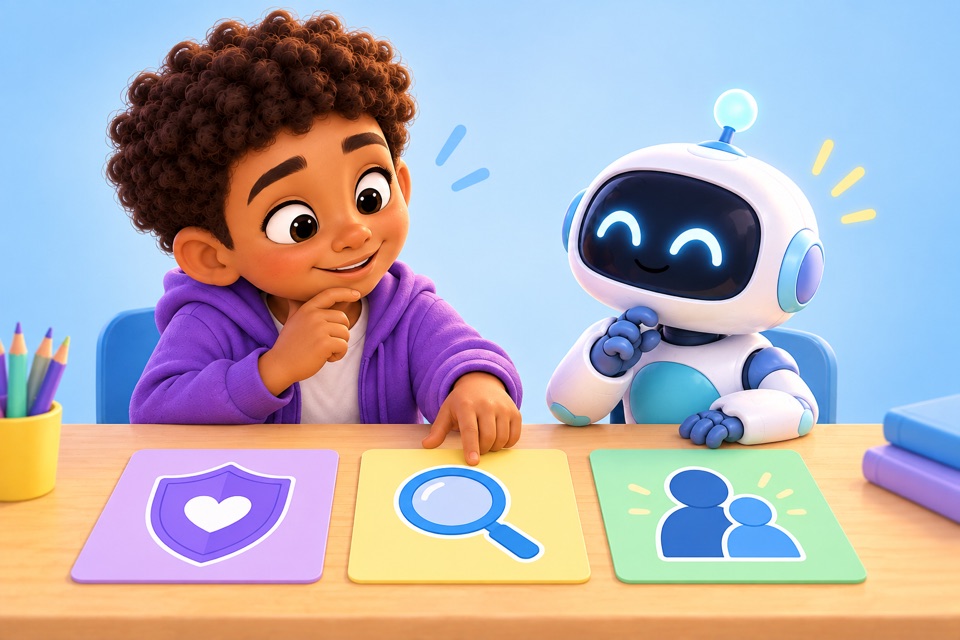
These prompts are for practicing judgment. More than one response may make sense depending on the tool, assignment, and situation.
Explore related guides and tools at your own pace.
Short answers for common questions about children and AI.
Kids should protect personal information, use approved tools, check AI output, avoid harmful or deceptive uses, respect other people’s rights, and ask a trusted adult when something feels unsafe or unclear.
AI tools may collect, process, or retain information depending on the service. Children should avoid sharing passwords, precise locations, private messages, school records, or other sensitive information. When a task can be done without identifying details, leave those details out.
That depends on the assignment and the teacher’s rules. Students should follow instructions about AI assistance, attribution, and independent work, and ask when they are unsure. AI can support learning, but it should not be presented as independent work when assistance is prohibited or must be disclosed.
There is no single age limit that applies to every AI service. Check the specific tool’s terms and follow school and family rules. A service may set its own minimum age or require parent or guardian involvement.
Yes. AI may reflect unfair patterns in its training data or make inaccurate assumptions about people. Check whether an answer is supported, respectful, and fair, and look for whose perspectives may be missing.
They should stop using the tool, avoid sharing the material, save only what is needed to report it, and tell a trusted adult, teacher, parent, or platform moderator.
Talk about which tools are allowed, what information should stay private, when AI use needs to be disclosed, and how to report something upsetting. Revisit those expectations as the child’s tools and independence change.
Be curious. Be critical. Be kind. And when in doubt, ask a trusted adult.
Editorial note: This educational overview is intended for families and educators. It is not a substitute for professional, legal, medical, or emergency guidance.